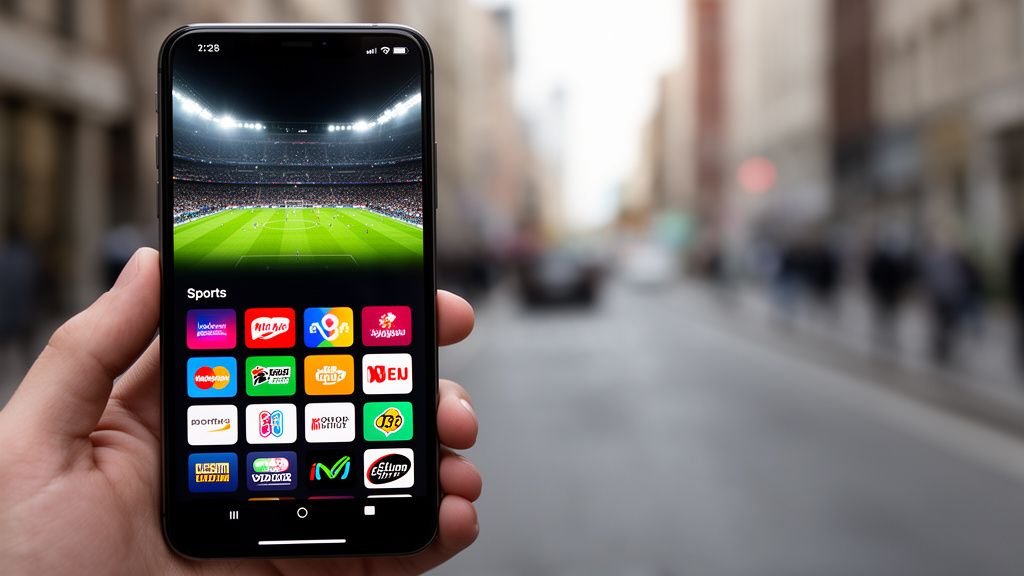
Most people searching for IPTV UK want two things: their usual British channels without a big monthly bill, and football that does not freeze at the worst possible moment. Both are realistic. The catch is that the UK market is full of sellers who look the same from the outside, and the difference only shows up a few weeks in.
✓No contract✓30-day money-back✓Ready in under 10 min
We run an IPTV service with a lot of British customers, some in the UK and plenty who moved to the US and still want home TV. This page is what we would tell a friend who asked us how to pick one.
In the UK or a Brit abroad? Try IPTVService4K on your own TV with a free 24-hour trial, or see the plans from $15.
What United Kingdom IPTV Actually Means
IPTV is just TV delivered over your broadband instead of an aerial, a dish or a cable box. You install an app, log in, and you get live channels with a TV guide, plus films and series on demand. If you want the longer explanation, our what is IPTV guide covers it.
When people say “UK IPTV” or “British IPTV” they usually mean a service with a strong line-up of UK channels, a guide that shows UK times, and enough capacity to cope when half the country is watching the same match. That last part is where most services fall over.
What You Need at Home for IPTV UK
Honestly, not much. Most UK homes already have everything.
Broadband. Around 15 Mbps per screen is fine for HD. For 4K IPTV plan for 25 Mbps or more per screen. If the router is in the hallway and the TV is upstairs, a cheap Ethernet cable or a mesh point will do more for you than a faster package. Not sure what your line can do? Ofcom has a free broadband checker that shows the speeds available at your address.
A device. The Firestick is by far the most common in the UK, and our Firestick guide walks through it. Samsung and LG owners can use the Smart TV setup guide instead. Android boxes, MAG boxes, iPhones and laptops all work too.
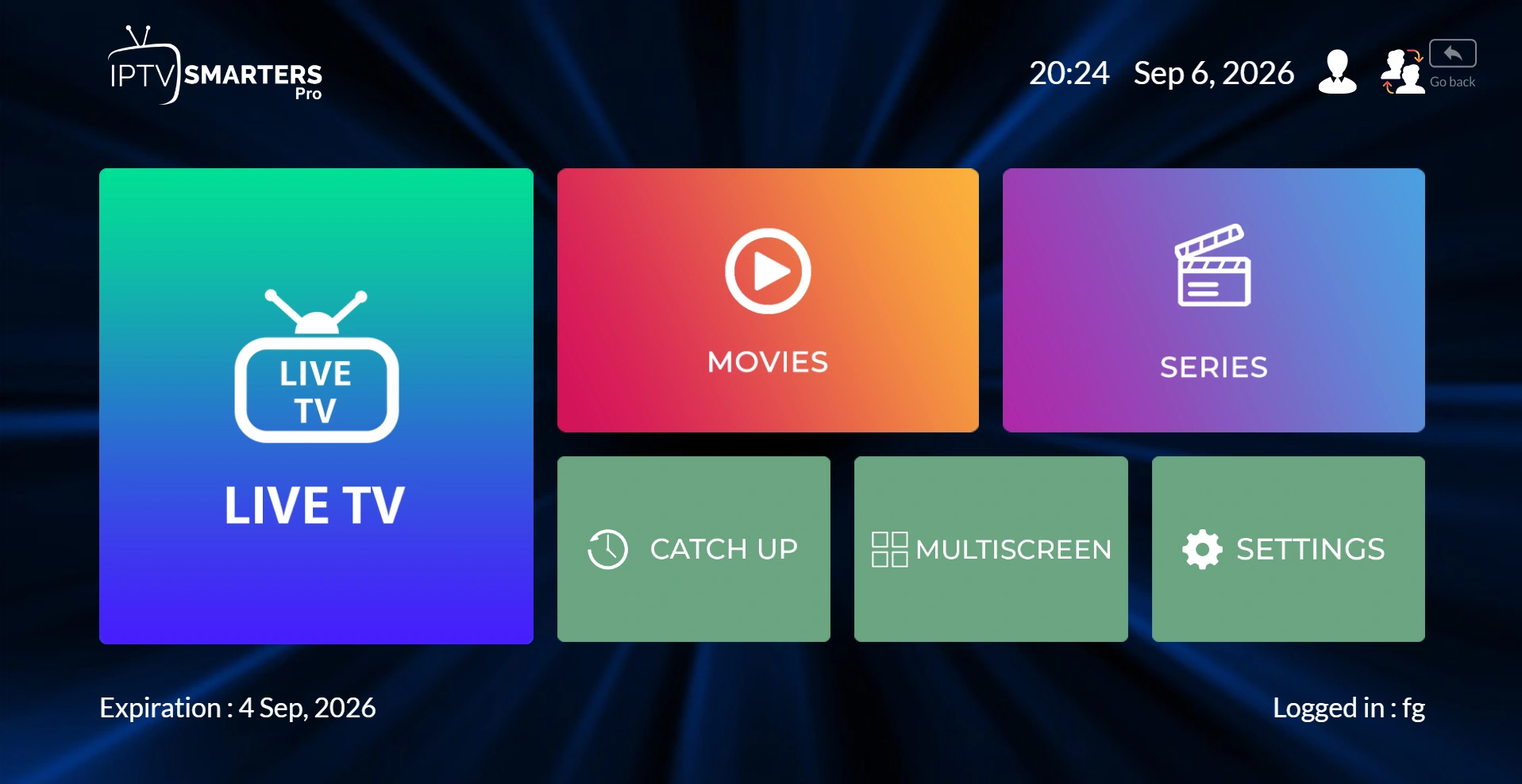
A player app. Something like IPTV Smarters Pro. You type in the details your provider sends you and the app sorts everything into Live TV, Movies and Series.
How to Spot the Best UK IPTV Service
Forget the “50,000 channels” headline for a second. Every seller says that. These are the things that actually separate a good British IPTV service from a bad one.
It holds up at 3pm on a Saturday
Football is the real stress test in the UK. A service can look perfect on a Tuesday night and fall apart during the weekend kick-offs, because everyone connects at once. Good providers spread viewers across lots of servers. If you watch a lot of football, have a look at our Premier League IPTV guide and the Champions League guide too.
The TV guide is in UK time
Small thing, big difference. If the guide is an hour off, or blank, you end up hunting for programmes. Ask about it before you pay, or just check it during a trial.
You can reach a person
Send a message before you buy. Something simple like “which app should I use on a Firestick?” If nobody answers for a day, that tells you how the next problem will go. We answer on WhatsApp, Telegram and email, and you can see how that works on our contact page.
The prices are on the website
If you can only get a price by messaging someone, or the seller offers “lifetime access” for one payment, walk away. Servers cost money every month. We wrote a whole page on this: how to spot legit IPTV services.
Want to see if ours passes the Saturday test? Get the free trial and watch a match on it. Or go straight to the plans.
IPTV UK vs a Traditional TV Package
| IPTV | Satellite or cable package | |
|---|---|---|
| Contract | None, from 1 to 12 months | Often 18 to 24 months |
| Setup | An app, about 10 minutes | Engineer visit or dish |
| Screens | TV, stick, phone, laptop | Mainly the box under the TV |
| Sport | Included in the plan | Usually an extra add-on |
| Watching abroad | Works anywhere with internet | Limited or not at all |
What a UK IPTV Subscription Costs
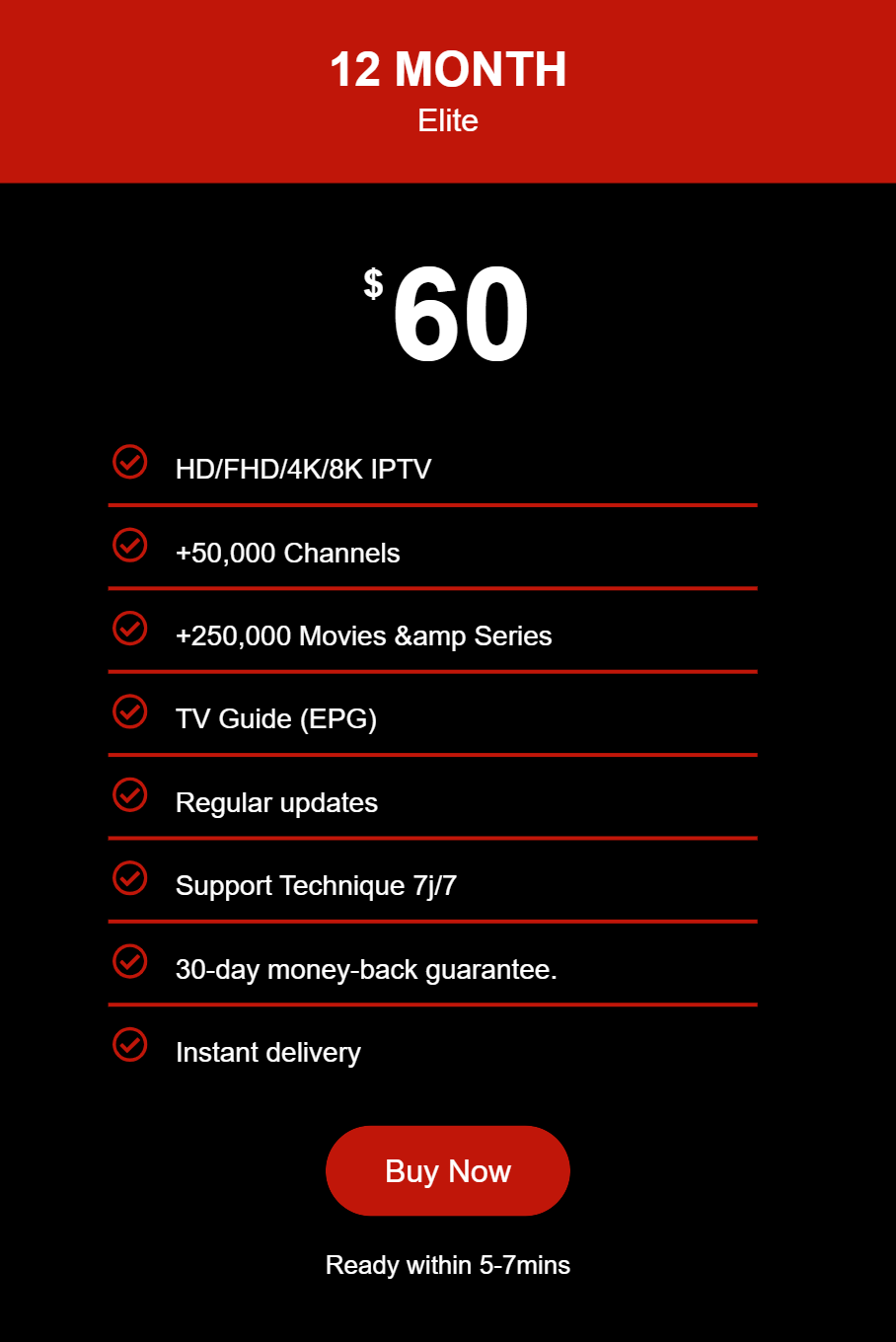
Here is what we charge. It is billed in US dollars, and your bank converts it to pounds at the day’s rate.
| Plan | 1 device | 2 devices |
|---|---|---|
| 1 month | $15 | $26 |
| 3 months | $30 | $55 |
| 6 months | $45 | $80 |
| 12 months | $60 | $100 |
Most people start with a month, make sure it works for their household, then move to the yearly plan because it is clearly the better deal. If price is your main concern, our cheap IPTV subscription page compares the options, and our list of the best IPTV services shows how different providers stack up.
Setting Up IPTV UK in Five Minutes
- Ask for a free 24-hour trial. No card needed.
- Install IPTV Smarters Pro (or your favourite player) on the TV or Firestick.
- Choose “Login with Xtream Codes API” and paste in the details we send you.
- Watch something live at a busy time. A football match is the best test.
- Happy with it? Pick a plan. Not happy? You have lost nothing.
If the app shows a login error, it is almost always a typo in the server address. Our page on the failed to authorize error goes through every fix.
Watching British TV from the US
A good share of our UK customers do not live in the UK any more. They moved to the States for work or family and miss the news, the soaps and the football at proper times. IPTV is one of the easiest ways to keep that. The setup is the same as above, and the guide can stay on UK time if that is what you prefer. If you also want American channels, our IPTV USA guide covers that side, and we have a separate guide for viewers in Canada.
A Word on the Law in the UK
We would rather be straight about this. IPTV as a technology is completely legal, and the big UK broadband companies use it themselves. The problem is unlicensed content. UK authorities have taken people to court for selling illegal streams, and the rules are stricter there than in many countries. Make sure what you watch is properly licensed, and check the rules where you live. For the general picture, our guide on whether IPTV is legal explains how it works in North America.
Ready to drop the big TV bill? Pick a plan or test it free first.
Frequently Asked Questions
Does IPTV work in the UK?
Yes. IPTV only needs a broadband connection, so it works the same in London, Manchester or a village in Wales. What changes the experience is the provider: how close their servers are, and how they hold up on a Saturday afternoon.
What is the best IPTV UK option for football?
The one that stays smooth during the 3pm and evening kick-offs. Ask for a trial, watch a full match at a busy time, and only then pay. Our 24-hour free trial is made for exactly that test.
How much does a UK IPTV subscription cost?
Reliable services usually sit between $10 and $20 a month on a monthly plan and get cheaper per month on longer plans. Ours is $15 for 1 month, $30 for 3 months, $45 for 6 months and $60 for 12 months on one device, billed in US dollars. Your bank converts it to pounds.
Can I watch British TV from the USA?
Yes. Many of our customers are Brits living in the US who want UK channels, the UK TV guide and UK football times. IPTV works the same from anywhere with a good connection.
Which devices are best for IPTV in the UK?
The Amazon Firestick is the most popular in the UK, followed by Samsung and LG Smart TVs, Android TV boxes and MAG boxes. Phones, tablets and laptops work too.
Is IPTV legal in the UK?
IPTV itself is legal and used by big UK broadband companies. The issue is unlicensed content: UK authorities have prosecuted people selling illegal streams. Check that what you watch is properly licensed and know the rules where you live.
Final Thoughts
Choosing an IPTV UK service is less about the channel count and more about how it behaves on a busy Saturday, whether someone answers when you need help, and whether the price is honest. Test first, start small, and only commit to a year when you are sure. That approach saves a lot of frustration.
If you want to see how ours does on your own TV, start the free trial or have a look at the plans.