Apple TV is one of the smoothest boxes you can plug into a TV, and it handles live streams beautifully. The only question is how to get your channels on it. This guide shows you how to set up IPTV on Apple TV in about five minutes, what to look for in the best IPTV app for Apple TV, and how to keep live sports smooth.
✓No contract✓30-day money-back✓Ready in under 10 min
We run an IPTV service for viewers across the US, and Apple TV owners are some of our happiest customers. The steps below are the same ones our support team walks people through on WhatsApp.
Does IPTV Apple TV Setup Work Without Extra Hardware?
Yes. Apple TV HD and every Apple TV 4K model can run IPTV with a normal app from the App Store. You do not need a jailbreak, a computer or a second box. The app is the player; your channels, movies and series come from your IPTV subscription, which you add with a simple login.
That is also why you should skip any app that promises free channels on its own. For IPTV Apple TV setups, a good player plus a reliable subscription is what gives you a stable picture.
What You Need Before You Start
Check these four things before you set up IPTV on Apple TV:
- An Apple TV HD or Apple TV 4K on a recent tvOS version.
- A stable connection. About 15 Mbps for HD and 25 Mbps or more for 4K. Ethernet is best on Apple TV 4K models that have the port.
- Your IPTV login: username, password and server URL (Xtream Codes), or an M3U link. You get them by email or WhatsApp after you order or start a free trial.
- A player app from the Apple TV App Store.
Best IPTV App for Apple TV: What to Look For
App names on tvOS change often, so rather than a top 10 list, here is what makes the best IPTV app for Apple TV:
- Xtream Codes login for fast loading and organized categories.
- A full-screen TV guide (EPG) that works well with the Siri Remote.
- Movies, series and catch-up sections, not only live TV.
- Favorites and quick channel switching with the remote.
- Recent updates and good reviews from the last few months.
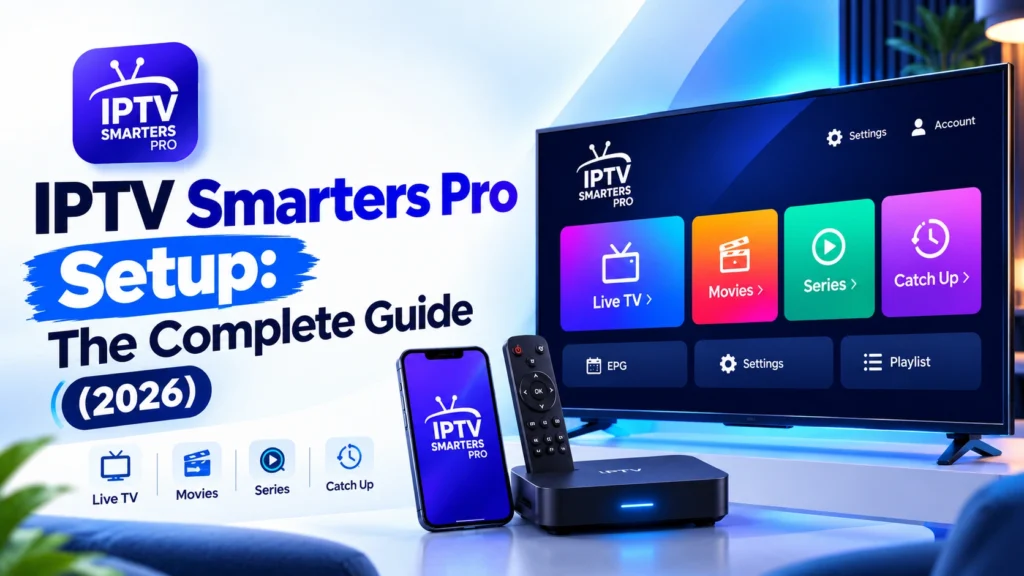
Long-standing players such as the Smarters family and GSE Smart IPTV have tvOS versions. If you already use Smarters on another device, our IPTV Smarters Pro guide works the same way here, and our roundup of the best IPTV player apps compares the options. The best IPTV player for Apple TV is the one that feels easy with your remote, so try one during your free trial before you pay for an app.
How to Set Up IPTV on Apple TV in 5 Steps
This is the IPTV Apple TV setup we use with our customers:
- Get your login. Pick a plan or start the 24-hour trial. Your details arrive in under 10 minutes.
- Open the App Store on Apple TV, search for your player and install it. Apple explains how in its guide to downloading apps on Apple TV.
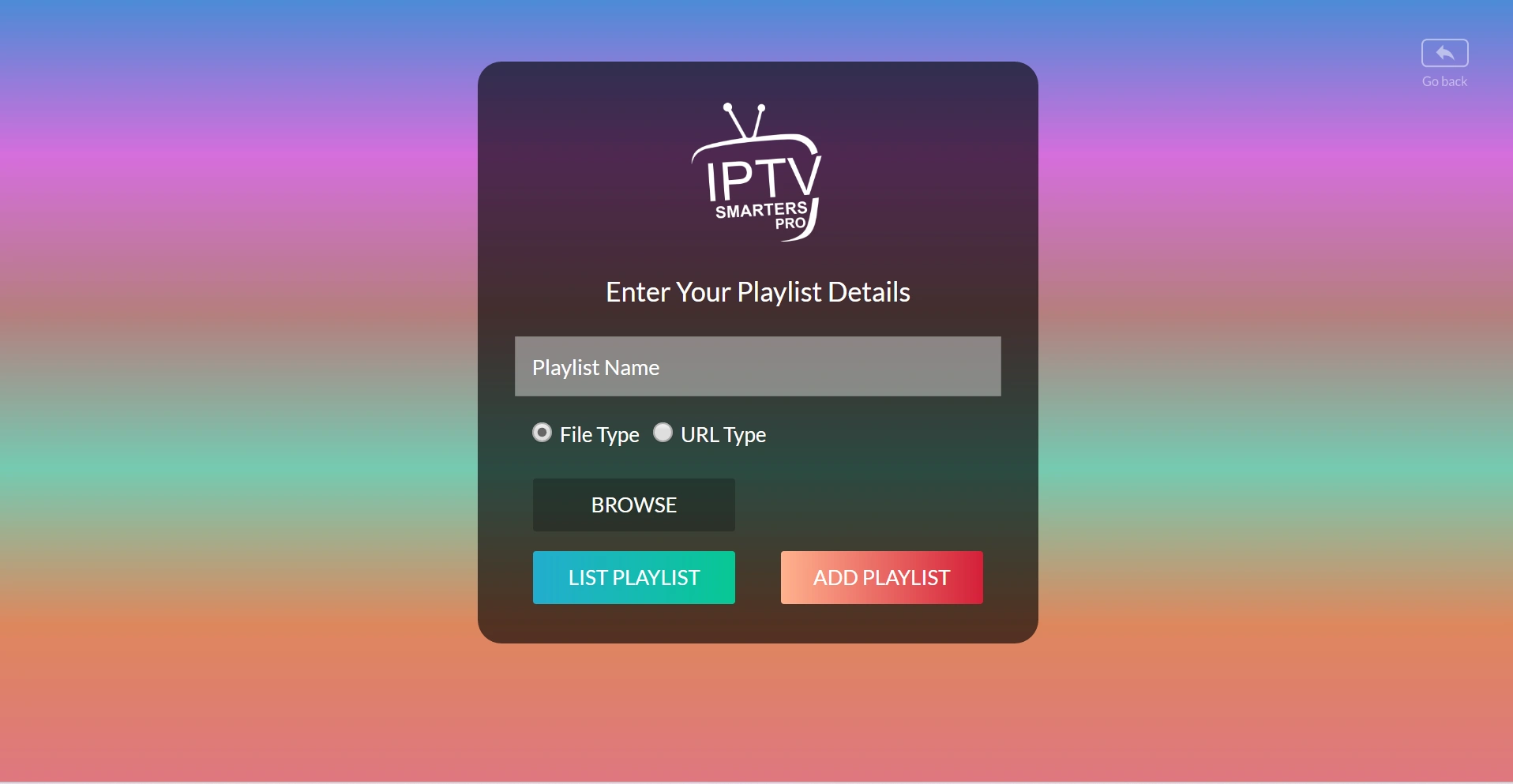
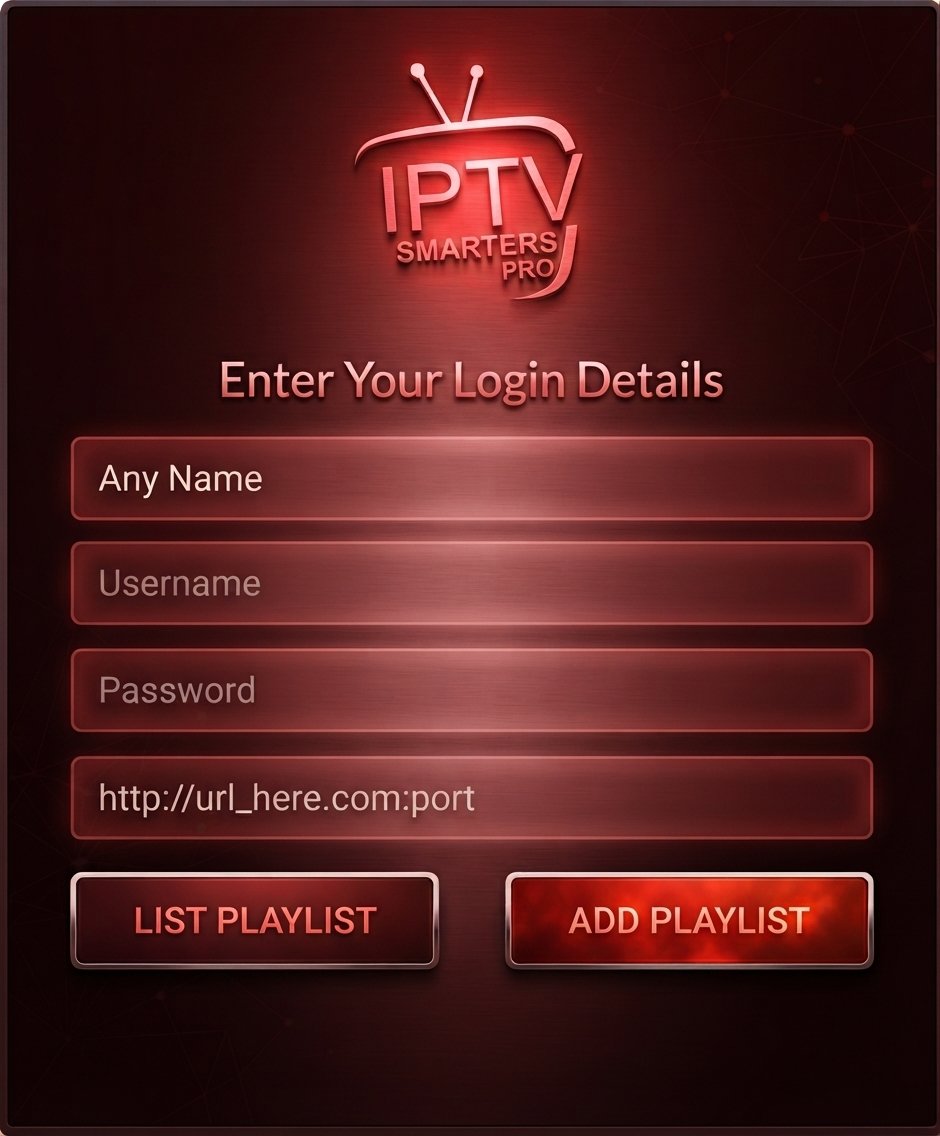
- Open the app and choose the Xtream Codes login (sometimes called “Login with Xtream Codes API”).
- Type your username, password and URL exactly as sent. Tip: many apps let you type with your iPhone keyboard when a text field is open on the TV.
- Select “Login” or “Add User”, wait for channels and the TV guide to load, and press play.
If the login fails, check for extra spaces or capital letters first. Our guide to fixing failed to authorize errors covers the rest.
No App? Use AirPlay From Your iPhone
If you already watch on your phone, you can send the stream straight to the Apple TV with AirPlay: open the channel in your phone app, tap the AirPlay icon and choose your Apple TV. Our IPTV for iPhone guide shows the phone setup. AirPlay is handy for a quick match, but for daily viewing a native app on the Apple TV is smoother because your phone stays free.
Apple TV vs Firestick vs Smart TV for IPTV
| Device | Strong points | Good to know |
|---|---|---|
| Apple TV 4K | Fast, smooth picture, great remote | Higher price; apps from the App Store only |
| Firestick | Low price, huge choice of apps | See our Firestick guide |
| Smart TV | No extra box needed | App choice depends on the brand; see IPTV on Smart TV |
One subscription works on all of them. A 1-device plan lets you switch between devices; a 2-device plan lets you watch on two screens at once.
Tips for Smooth Live Sports on Apple TV
Most IPTV Apple TV buffering comes from the home network, not the box. Try these first:
- Use Ethernet on Apple TV 4K models with a port, or the 5 GHz Wi-Fi band.
- Match the frame rate in Apple TV settings (Video and Audio) for smoother sports motion.
- Restart the app before a big game, and close other heavy streams in the house.
- Switch to the backup stream of the channel if your player shows one.
What IPTV on Apple TV Costs
There is no extra fee for Apple TV. You pay for the subscription only, and the same login works on Apple TV, iPhone, iPad, Firestick or a computer.
| Plan length | 1 device | 2 devices |
|---|---|---|
| 1 month | $15 | $26 |
| 3 months | $30 | $55 |
| 6 months | $45 | $80 |
| 12 months | $60 | $100 |
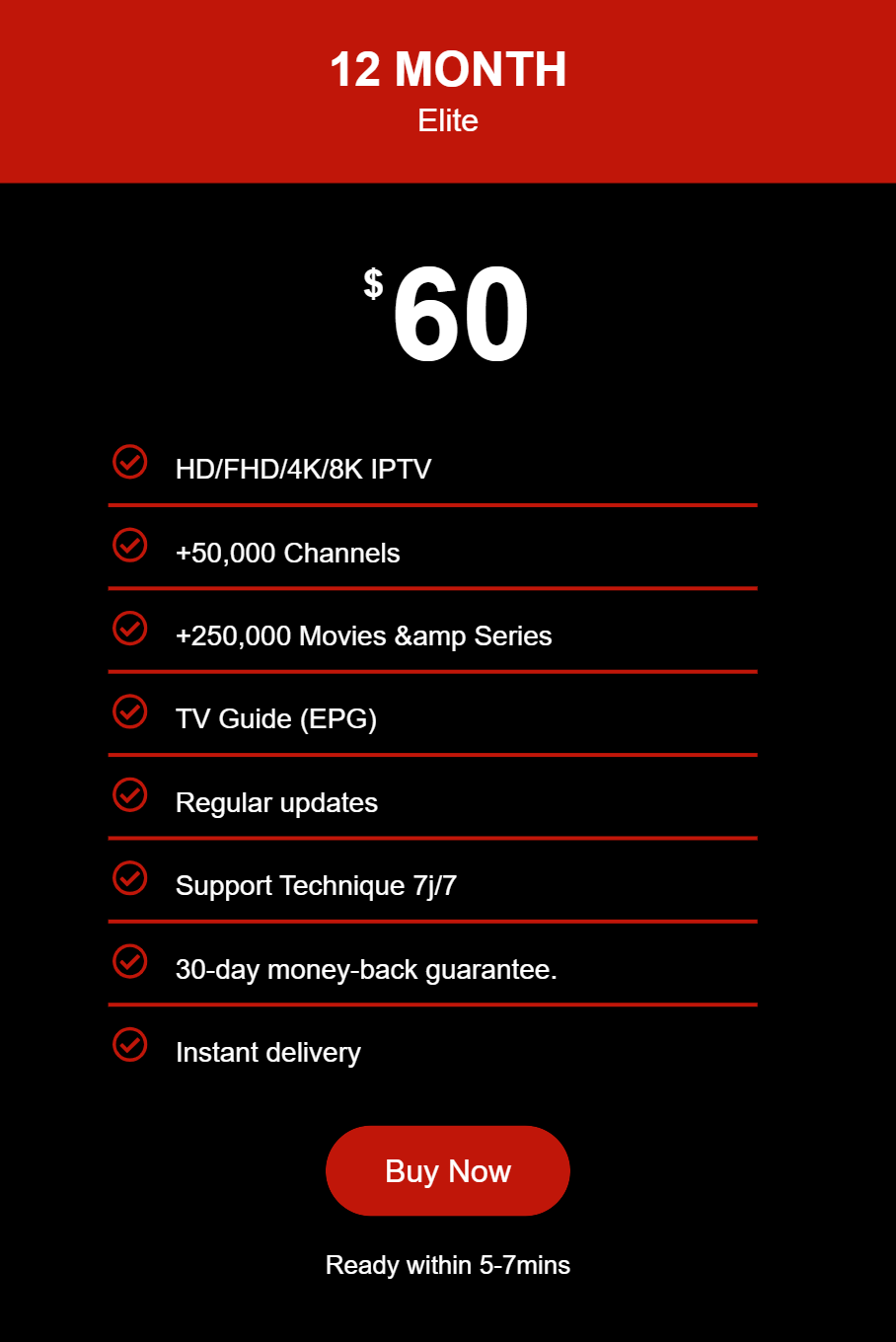
Every plan includes 50,000+ live channels, movies and series in HD and 4K, plus a 30-day money-back guarantee. Check the full channel list or compare every option on our IPTV price page.
Frequently Asked Questions
What is the best IPTV app for Apple TV?
The best IPTV app for Apple TV has an Xtream Codes login, a full TV guide, easy remote control and regular updates. Smarters-style players and GSE Smart IPTV are popular picks, and we can tell you the current favorite on WhatsApp.
Does IPTV work on the older Apple TV HD?
Yes. Apple TV HD runs the same player apps. Apple TV 4K is faster and handles 4K streams, but HD channels play well on both.
Can I use the same login on Apple TV and my iPhone?
Yes. With a 1-device plan you use one device at a time; for both at once, choose a 2-device plan.
Can I test IPTV on Apple TV before paying?
Yes. Our 24-hour free trial works on Apple TV, and setup takes about five minutes.
Final Thoughts
Setting up IPTV on Apple TV takes one app, one login and about five minutes. Pick a player with Xtream Codes and a good TV guide, connect with Ethernet if you can, and you get live TV, sports and movies on one of the smoothest boxes around. If you get stuck, our team answers on WhatsApp.