If you are wondering how to get IPTV, the good news is that it is much simpler than it looks. There is no engineer visit, no dish and no contract. You need an internet connection, a screen and a subscription, and most people are watching within fifteen minutes.
✓No contract✓30-day money-back✓Ready in under 10 min
We sell an IPTV service, so we walk new customers through this every day. Below is exactly what we tell them, in the order that causes the fewest headaches, plus the mistakes we see people make on day one.
Want to skip ahead? Grab a free 24-hour trial and follow the steps below as you go, or see the plans from $15.
Quick Answer: How to Get IPTV
- Check your internet speed.
- Choose the device you want to watch on.
- Pick a reliable IPTV provider.
- Start with a free trial.
- Install a player app and log in.
- Choose a plan once you are happy.
That is really it. The rest of this guide explains each step and what to watch out for. If you are completely new and want to understand the technology first, start with what IPTV is.
Step 1: Check Your Internet Before You Get IPTV
IPTV streams over your home broadband, so this is where everything starts. As a rough guide, plan for about 15 Mbps per screen for HD and 25 Mbps or more per screen for 4K IPTV. The FCC has a handy broadband speed guide if you want to compare with other streaming uses.
One thing we see a lot: people pay for a fast package and still get buffering because the TV is two rooms away from the router. If you can, plug the TV or stick into the router with a cable, or move to the 5 GHz Wi-Fi band. It fixes more problems than any setting in the app.
Step 2: Choose Your Device
You probably already own something that works. These are the most common ways our customers watch:
- Amazon Firestick: cheap, quick to set up and the most popular choice. See our Firestick guide.
- Smart TV (Samsung, LG, Google TV): no extra hardware at all. Our Smart TV setup guide covers each brand.
- Android TV box or MAG box: good if your TV is older.
- Phone, tablet or laptop: handy for watching in bed or on the road. For computers, see IPTV on PC and Mac.
If you are buying something new just for IPTV, a Firestick is the easiest place to start. It is inexpensive and almost every player app supports it.
Step 3: Pick a Provider You Can Trust
This is the step most guides on how to get IPTV rush through, and it is the one that matters most.
This is the step that decides whether the next twelve months are smooth or frustrating. A few honest pointers:
- Prices should be on the website, not hidden behind a chat.
- There should be a free trial.
- Support should answer within minutes or hours, not days. Send a question before you buy and see.
- Avoid “lifetime” deals. Servers cost money every month, so those offers rarely last.
We went into much more detail in our guide to legit IPTV services. If you are in a specific country, our guides for the USA, Canada and the UK cover local content and time zones.
Step 4: Start With a Free Trial
Do not skip this. A trial is the only real way to know how a service behaves on your own internet and your own TV. When you test, do it at a busy time, ideally during a live match in the evening or at the weekend, because that is when weak services fall apart.
Our 24-hour free trial needs no card. You fill in a short form and receive your details by email or WhatsApp.
Step 5: Install a Player App and Log In
Your provider sends you three things: a username, a password and a server URL. You enter them in an IPTV player. We usually recommend IPTV Smarters Pro because it is free, clean and works on almost everything.
- Install IPTV Smarters Pro from your device’s app store (on a Firestick you may need to use the Downloader app).
- Open it and choose “Login with Xtream Codes API”.
- Type any name for the profile, then your username, password and server URL.
- Wait a minute while it loads the channels, films and TV guide.
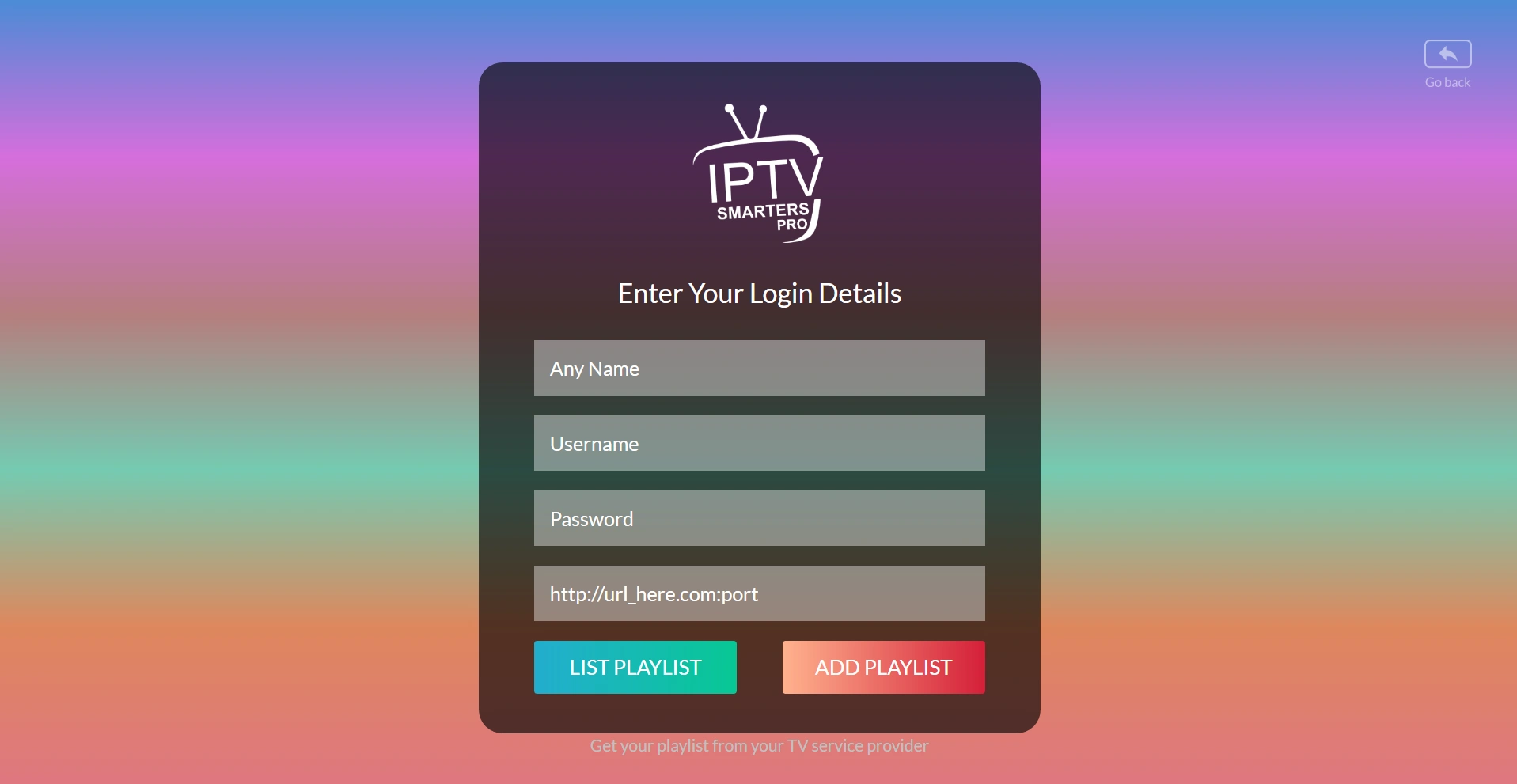
If you see “failed to authorize”, nine times out of ten it is a small typo in the server URL, such as http instead of https or a missing port. Our failed to authorize fix guide goes through every cause.
Step 6: Choose a Plan
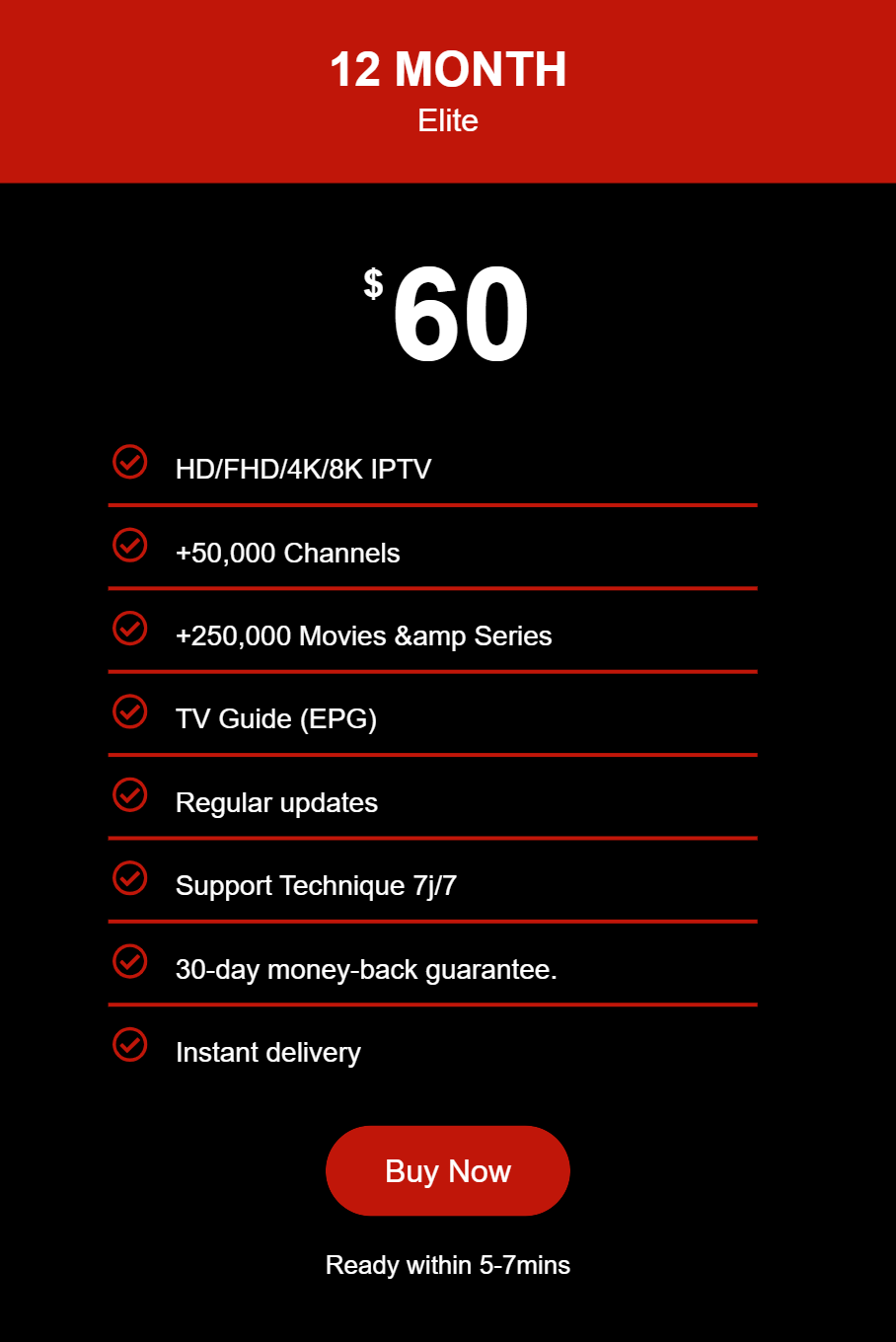
Once the trial convinces you, pick a plan. Here is what ours cost:
| Plan | 1 device | 2 devices |
|---|---|---|
| 1 month | $15 | $26 |
| 3 months | $30 | $55 |
| 6 months | $45 | $80 |
| 12 months | $60 | $100 |
Our advice is the same we give everyone: start with one month, live with it for a few weeks, then move to the yearly plan if you are happy. It works out much cheaper per month. If budget is the main concern, have a look at our cheap IPTV subscription guide too.
Ready to get IPTV today? Pick your plan or test it free first.
How to Get IPTV on the Most Popular Devices
The steps above work everywhere, but each device has its own small quirks. Here is the short version for each one.
On a Firestick
Install the Downloader app from the Amazon store, use it to install your player, then log in. Turn on “Apps from Unknown Sources” for Downloader when it asks. Full walkthrough in our Firestick guide.
On a Samsung or LG Smart TV
Look for an IPTV player in the TV’s own app store, install it and enter your details. Some older models need a different player, which we explain in the Smart TV guide.
On an iPhone, Android phone or tablet
Download a player from the App Store or Google Play and log in the same way. Phones are also the easiest way to test the service before you set up the big TV.
On a Windows PC or Mac
You can use a desktop player or a web player. Our PC guide shows three ways to do it.
Common Mistakes When You Get IPTV for the First Time
These come straight from the messages we get in support:
- Testing on a quiet Tuesday morning. Everything works when nobody is watching. Test at peak time.
- Buying a 12-month plan on day one. Start short. A good service will still be good next month.
- Using too many screens. A 1-device plan works on one screen at a time. If the family watches on two TVs, choose a 2-device plan.
- Blaming the service for Wi-Fi problems. If the picture freezes only in one room, it is usually the Wi-Fi, not the server.
- Ignoring the TV guide. If the guide is empty, refresh the EPG in the app settings before giving up on the service.
Is It Legal to Get IPTV?
IPTV is a delivery technology and is legal in itself. Big telecom companies use it. What matters is whether the content you watch is properly licensed, and that depends on the provider and on where you live. For the details in North America, read our guide on whether IPTV is legal in the USA.
Still deciding? Message our support team any time, or start the free trial and see for yourself.
Frequently Asked Questions
How do you get IPTV on your TV?
Pick a provider, install an IPTV player app on your Smart TV or streaming stick, and enter the login details the provider sends you. On most TVs it takes about ten minutes.
Do I need a special box to get IPTV?
No. A Smart TV, an Amazon Firestick, an Android TV box, a phone or a computer is enough. A MAG box works too, but you do not need to buy one.
How much internet speed do I need for IPTV?
Around 15 Mbps per screen for HD and about 25 Mbps per screen for 4K. A stable connection matters more than a big number, so use a cable or strong 5 GHz Wi-Fi if you can.
Can I try IPTV before paying?
Yes, and you should. Reliable providers offer a free trial. Ours lasts 24 hours and does not need a card, which gives you time to test a live game, a few films and the TV guide.
How long does it take to get IPTV working?
Usually less than 15 minutes from the moment you receive your login details. Most of that time is installing the app.
Is getting IPTV legal?
The technology is legal. What matters is whether the channels and content are properly licensed, and the rules differ by country. Read our guide on whether IPTV is legal in the USA and check the rules where you live.
Final Thoughts
Getting IPTV comes down to a decent connection, a device you already own, a provider you can actually reach, and a proper test before you pay. Do those four things and you avoid almost every problem people run into. Knowing how to get IPTV the right way saves you money and a lot of frustration.
Want to try it now? Get your free 24-hour trial or see the plans.
Related Guides
- MAG box IPTV: portal setup and fixes
- IPTV for Android: best app and setup
- IPTV for iPhone: best iOS IPTV app and setup
- What Is IPTV? Internet Protocol Television Explained
- Legit IPTV Services: 9 Signs of a Reliable Provider
- IPTV Smarters Pro Setup Guide
- Best IPTV for Firestick
- Best IPTV 2026: Top Providers Compared
- Best IPTV Free Trial
- IPTV Price 2026: What IPTV Really Costs
- IPTV on Roku: 3 Easy Ways