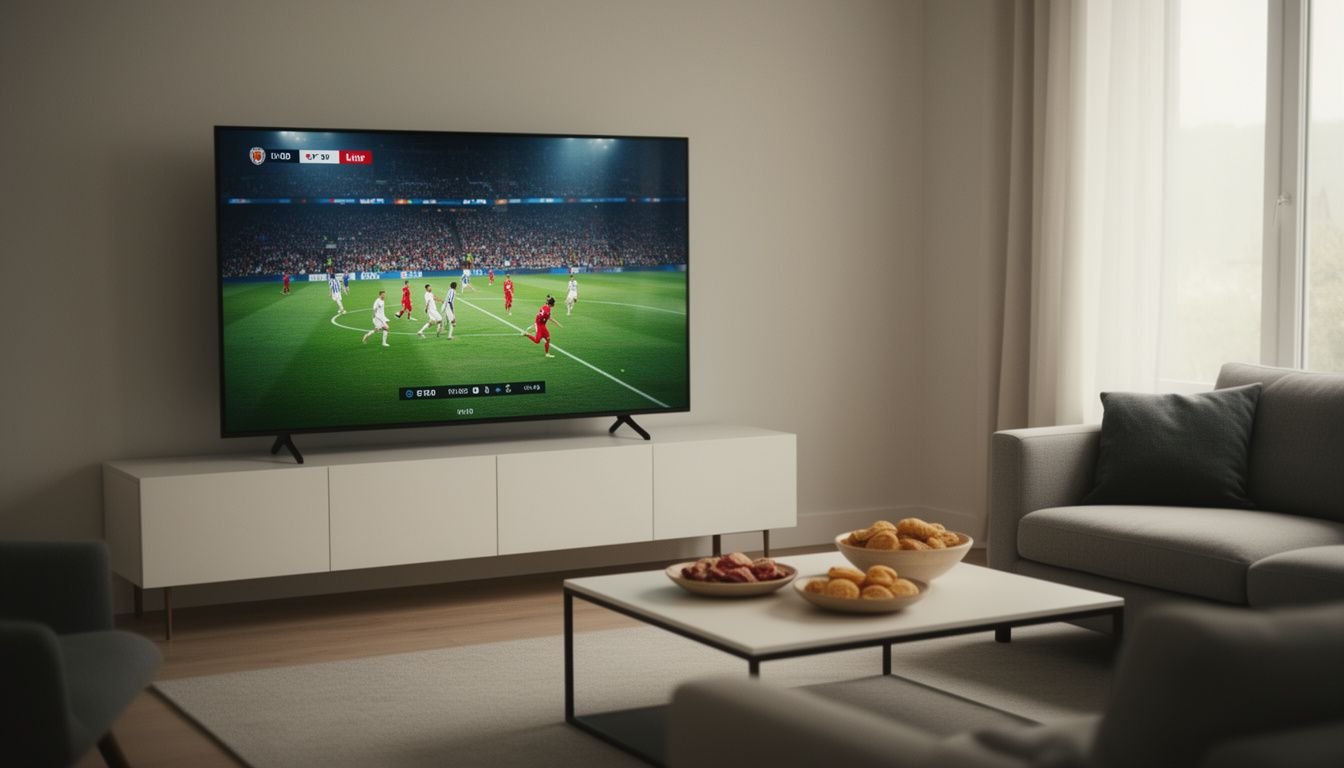
A big TV deserves a sharp picture. 4K IPTV streams live channels, sports, movies and series in Ultra HD over your internet connection, with four times the detail of Full HD and no satellite dish or cable box. All you need is a 4K screen, a fast enough connection and an IPTV service that actually delivers 4K streams.
✓No contract✓30-day money-back✓Ready in under 10 min
This guide explains what 4K IPTV is, what you need to watch it, which devices give the best picture, how fast your internet should be, and how to test 4K quality free for 24 hours before you pay.
Quick answer: 4K IPTV is live TV and on-demand content streamed in Ultra HD (3840 x 2160) through an app on your TV, streaming stick or box. You need a 4K TV, a 4K-capable device and about 25 Mbps of stable internet. IPTVService4K streams in HD, FHD, 4K and 8K where available, with 50,000+ live channels, a 12-month plan for $60 and a free 24-hour trial.
What Is 4K IPTV?
IPTV (Internet Protocol Television) delivers TV over the internet instead of through cable or satellite. If you are new to it, start with our guide to what IPTV is and how it works. 4K IPTV is the same technology with a much sharper signal: streams in Ultra HD resolution, 3840 x 2160 pixels, which is four times the pixels of a 1080p Full HD stream.
On a large screen the difference is easy to see. Grass on a football pitch, the texture of a basketball court, faces in a crowd and fine text on scoreboards all look cleaner and more natural. Most 4K streams today use the HEVC (H.265) video codec, which packs that extra detail into a smaller stream than older codecs, so 4K works on a normal home connection.
4K vs Full HD vs 8K: What Is the Difference?
| Quality | Resolution | Typical speed needed | Best for |
|---|---|---|---|
| HD | 1280 x 720 | 5-8 Mbps | Phones, small screens, slow connections |
| Full HD (FHD) | 1920 x 1080 | 10-15 Mbps | Most TVs up to 50 inches |
| 4K Ultra HD | 3840 x 2160 | 25 Mbps or more | 55-inch TVs and larger, live sports, movies |
| 8K | 7680 x 4320 | 50 Mbps or more | 8K TVs (limited content today) |
For most homes, 4K is the sweet spot: a big jump in quality over Full HD, without the very high speed and the expensive 8K TV that 8K needs.
What You Need to Watch 4K IPTV
4K only works when every link in the chain supports it. Check these five things:
- A 4K TV: any Ultra HD TV from Samsung, LG, Sony, TCL, Hisense or similar. HDR support is a bonus.
- A 4K streaming device: the built-in Smart TV app, a Fire TV Stick 4K or 4K Max, an Android TV box or Google TV, or an Apple TV 4K. A regular HD Firestick cannot output 4K.
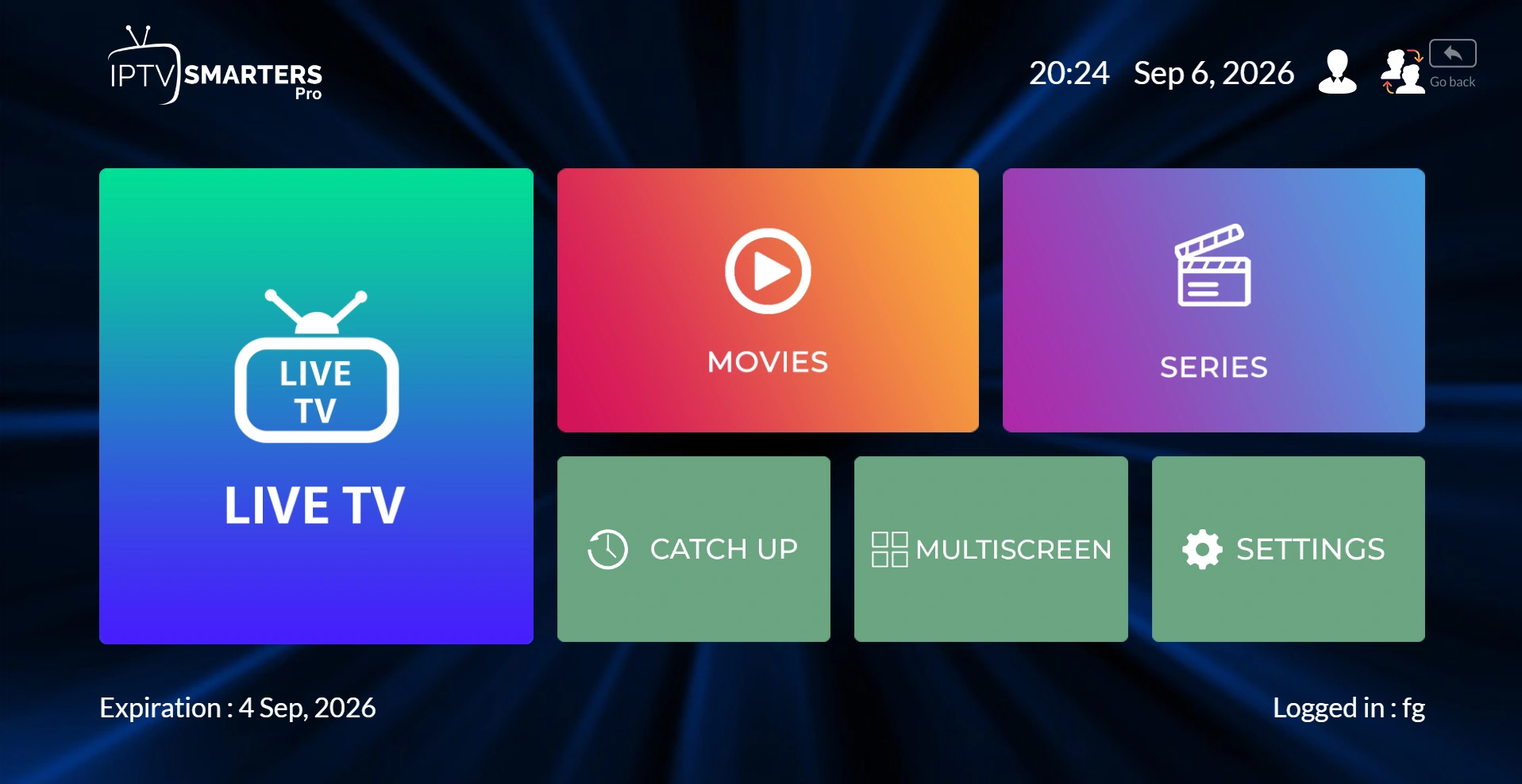
- A good player app: IPTV Smarters Pro or a similar player that supports HEVC. Our IPTV player comparison covers the options.
- Fast, stable internet: 25 Mbps or more just for the TV, ideally over Ethernet.
- A 4K IPTV subscription: a provider that actually streams channels and movies in 4K, not just HD labeled as 4K.
Best Devices for 4K IPTV
- Smart TV (Samsung, LG, Google TV): no extra box needed, and the picture goes straight to the panel. Follow our IPTV on Smart TV setup guide.
- Fire TV Stick 4K or 4K Max: affordable, fast and HEVC-ready. See the best IPTV for Firestick guide.
- Android TV box: lots of power for 4K, Ethernet port on most models, and room for any player app.
- Apple TV 4K: excellent picture and a smooth interface for Apple households.
- PC or laptop connected to a 4K monitor: works well with a modern graphics card. See our IPTV for PC guide.
Internet Speed for 4K IPTV
Speed is the most common reason a 4K stream drops to a lower quality or buffers. As a rule of thumb, plan for at least 25 Mbps of stable speed for one 4K stream, and add more if other people in the house are streaming or gaming at the same time. The FCC broadband speed guide gives similar figures for 4K video.
- Use Ethernet for the TV or box whenever you can. Wi-Fi speed drops through walls.
- Use 5 GHz Wi-Fi if a cable is not possible, and keep the router close.
- Test at the time you watch: evening speed is often lower than morning speed.
- Turn on hardware decoding in your player settings so the device handles HEVC smoothly.
4K IPTV for Live Sports and Movies
4K makes the biggest difference on fast-moving sports and on big cinematic movies. Fans who follow basketball season with our IPTV NBA guide or football Sundays with our IPTV NFL guide notice the extra sharpness immediately on a 55-inch or larger TV. The same goes for the movie and series library, where many recent titles are available in Ultra HD.
Keep in mind that not every channel in the world broadcasts in 4K. A good 4K IPTV service gives you 4K where the source is available and clean HD and FHD for everything else, so you are never left with a blank screen. You can browse what is included in our full channels list.
4K IPTV Plans and Prices
Every IPTVService4K plan includes 4K and 8K streams where available, at no extra cost:
| Plan length | 1 device | 2 devices |
|---|---|---|
| 1 month | $15 | $26 |
| 3 months | $30 | $55 |
| 6 months | $45 | $80 |
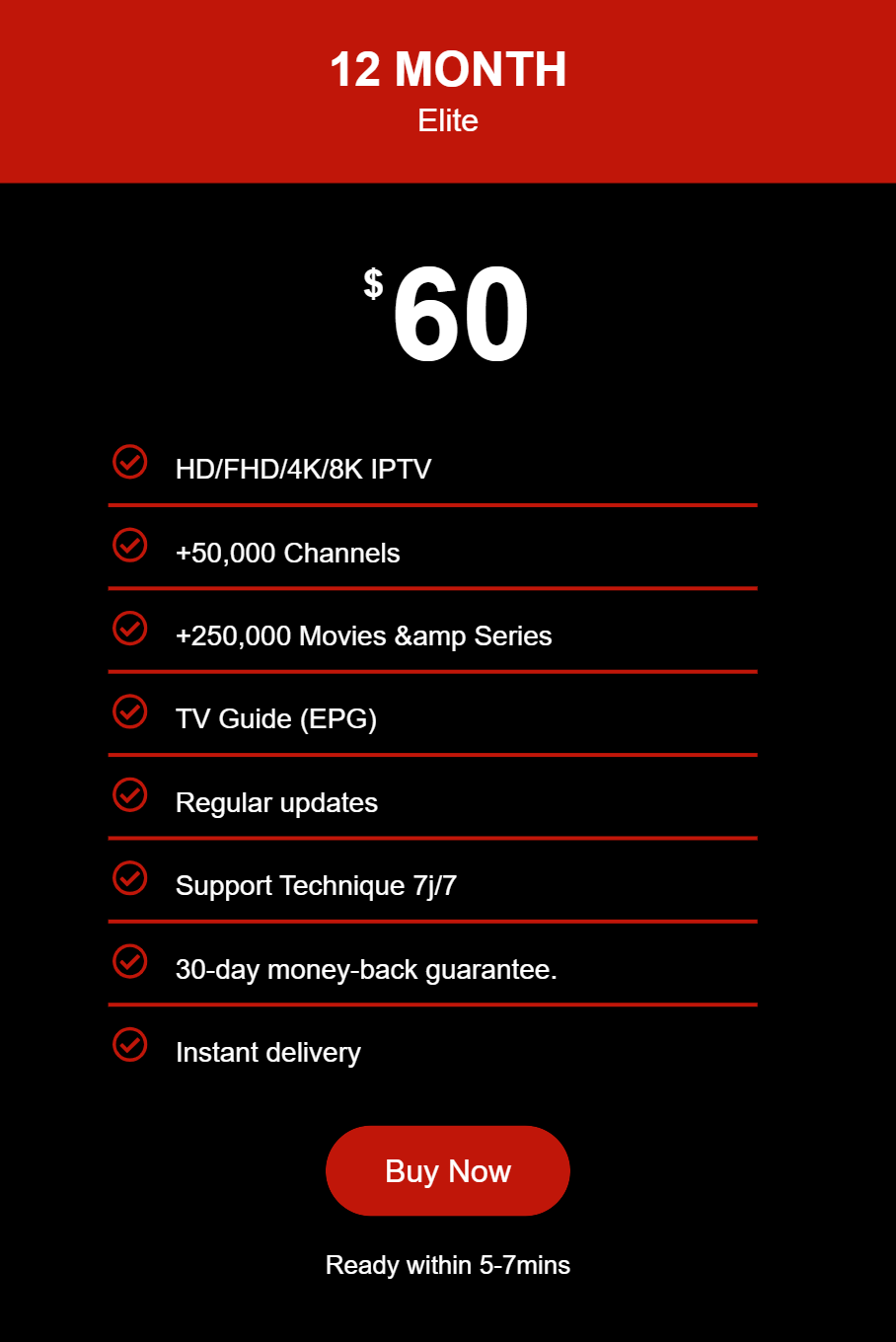
| 12 months | $60 | $100 |
Each plan includes 50,000+ live channels, 250,000+ movies and series, a TV guide, instant delivery and a 30-day money-back guarantee. Plans for 3 and 4 devices are on the plans section. If you are in the United States, our IPTV USA guide covers US channels and sports, and the cheap IPTV subscription guide explains why the 12-month plan is the best value.
See the difference on your own TV. Get your login in minutes and start watching in 4K today, or test it free first.
How to Test 4K IPTV Before You Buy
The only real way to judge 4K IPTV quality is on your own TV and your own connection. Our free trial gives you full access for 24 hours with no credit card. Open a 4K channel or movie, watch for a few minutes during the evening, and check how sharp and stable the picture is.
If anything is unclear during setup, our support team is available 24/7 on WhatsApp, Telegram and email.
4K IPTV: Frequently Asked Questions
Is 4K IPTV worth it?
Yes, if you have a 4K TV of 50 inches or more and at least 25 Mbps of stable internet. The extra detail is most visible on live sports and movies.
Can I watch 4K IPTV on a Firestick?
Yes, on a Fire TV Stick 4K or 4K Max. The standard HD Firestick does not output 4K.
Why is my 4K IPTV stream buffering?
Usually because the connection is too slow or unstable. Switch to Ethernet, close other downloads, or move to FHD for a moment during busy evening hours.
Are all channels in 4K?
No. 4K is available where the source broadcasts in 4K. Everything else streams in clean HD or FHD.
Does 4K cost extra?
No. 4K and 8K streams are included in every IPTVService4K plan, from $15 for one month to $60 for 12 months.
Final Thoughts
4K IPTV turns a good TV into a great one: sharper sports, cleaner movies and a picture that finally matches the screen you paid for. Check your TV, your device and your internet speed, then pick a plan that includes 4K at no extra cost. Compare our IPTV plans or try 4K IPTV free for 24 hours.
Want 4K on every screen at home? Our IPTV service streams 50,000+ live channels in HD, 4K and 8K where available.
Related Guides
- IPTV vs VOD: what is the difference?
- IPTV USA: Best IPTV Service for US Channels
- IPTV on Smart TV
- Best IPTV for Firestick
- IPTV NBA: Watch Every Game Night
- Best IPTV Free Trial
- Premium IPTV Subscription: 10 Signs of Quality
- Legit IPTV Services: 9 Signs of a Reliable Provider
- Best Sports IPTV Provider in 2026: Your Ultimate Guide
- IPTV Canada 2026: Best Canadian IPTV Service Guide